HOME

next.jpg (4922 bytes)

back.jpg (4841 bytes)

basedownload.gif (295 bytes)

mail.jpg (5610 bytes)

Key Features


NEW Game Form

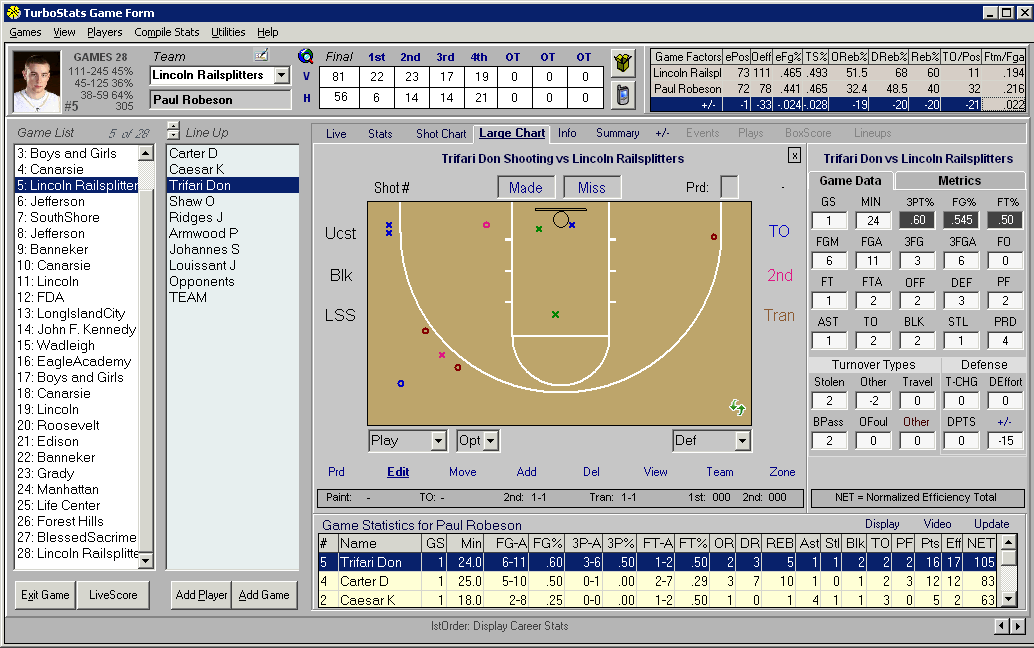
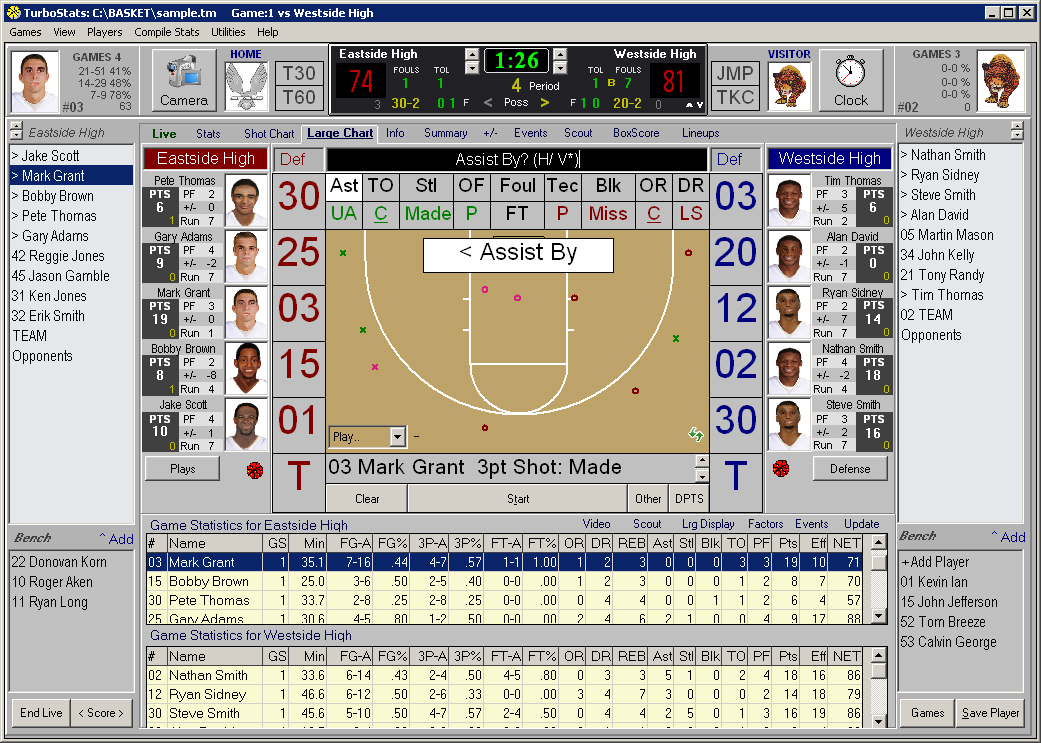
The Game Form in version 7.0 sports a new layout with all stat categories on one screen for easy inputting.  Shot charting is now tracked for each player and automatically increments the shots made and attempts while live game scoring mode is activated. Create your schedule or add games after you play. TurboStats stores the line-up for each game.  Keep stats during the game with our "Game Mode" scoring option or enter games in 5 minutes or less after the game by simply clicking on the data boxes or typing in the numbers.  Game mode automatically updates scores, percentages, and shot attempts for each period whenever you click on any shots made.  You can even add notes and track opponents stats for each game.  All game data can be imported from our optional ScoreKeeper for Basketball on the Palm OS product.

Click the tabs to enter game notes and toggle between stats and shot charts.  
Or expand the screen to view stats and shot chart concurrently for the ultimate ease of scoring.

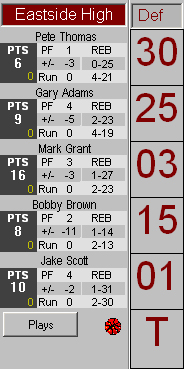
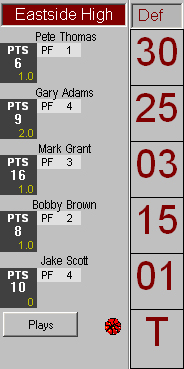
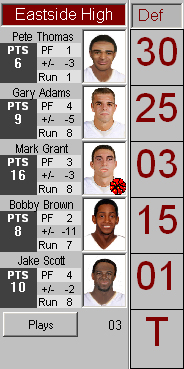
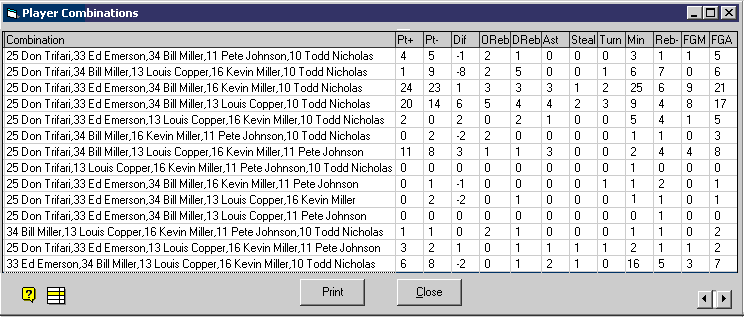
Automatically track player combination statistics during a live game.  (Live Game Scoring must be ON)
Combination stats are updated during the game and can be edited.  Combinations can be imported from ScoreKeeper on the Palm OS.
Create:

  • Game Reports
  • Team Reports
  • Player Reports
  • Game Summary Reports
  • Shot Charts for individual games or totals
  • League Reports
  • Player Combinations Reports
  • Leader Reports
  • Career Stat Reports


NEW

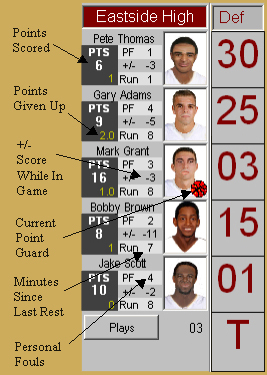
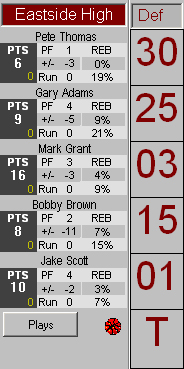
Make Faster Substitutions in version 7.0


Main Screen     Pricing    Team Form    Career Stats  Animated Playbook       Drag & Drop Court Layout      Stat Viewer      Stat Filter    Electronic Order Form

Copyright 1997-2005 TurboStats Software Company